

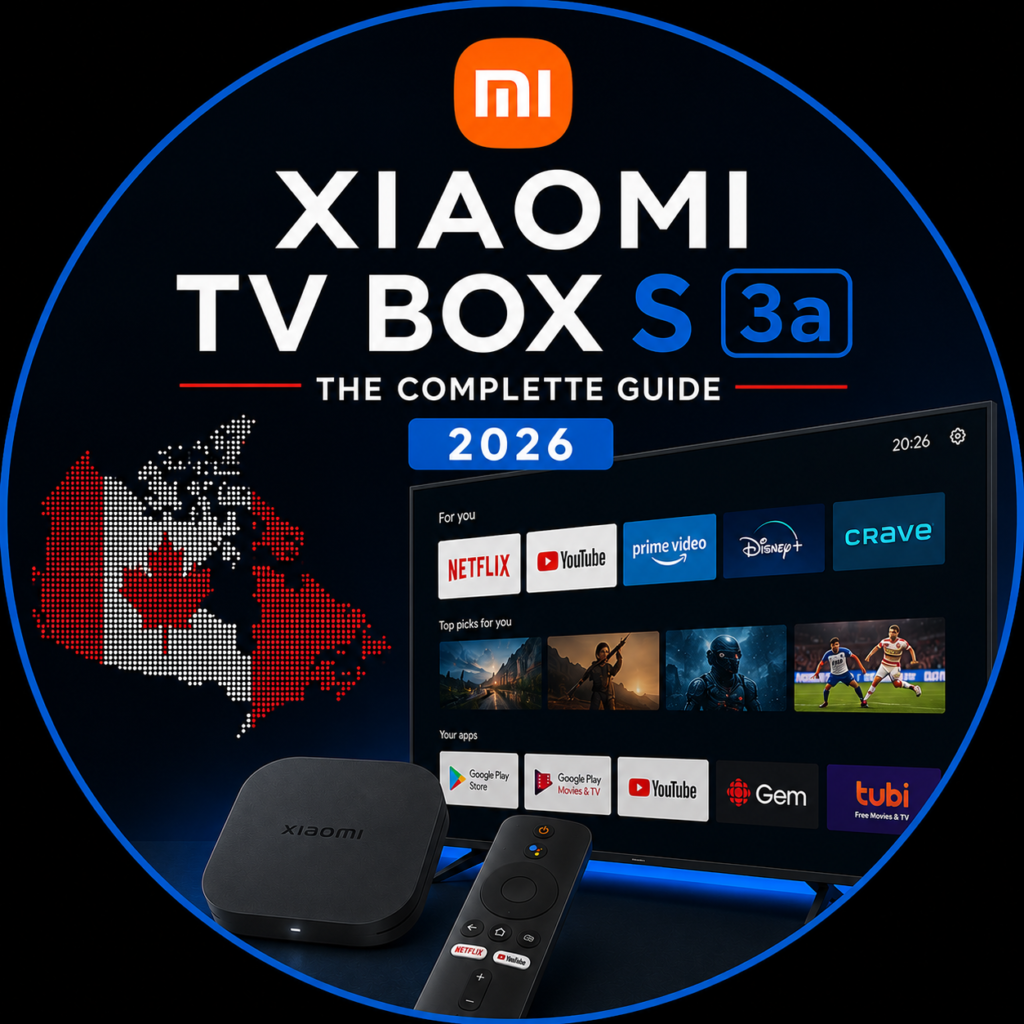
Xiaomi TV Box S (3rd Gen)
Canada Review 2026
Verified specs, step-by-step IPTV setup for NHL and Canadian channels, vs Fire Stick 4K Max and ONN 4K Pro — and an honest answer: is it worth it in Canada?
📱01 · What is the Xiaomi TV Box S 3rd Gen
The Xiaomi TV Box S (3rd Gen) is an Android media player that connects to your TV via HDMI and turns it into a full Smart TV — regardless of brand, age or existing software. It's a compact box (97×97×17mm, 91g) that sits beside your TV or behind it using the included HDMI cable.
Once connected, your TV runs Google TV: access to Netflix, Prime Video, Disney+, Crave, CBC Gem, Sportsnet, TSN Direct, YouTube and every app on the Play Store — including IPTV apps like TiviMate and IPTV Smarters Pro for your Canadian IPTV subscription.
The key upgrade from gen 2 is the 6nm Amlogic S905X5M chip — same manufacturing node as many 2023 flagship phone processors. It runs cooler, uses less power, and delivers a GPU that Xiaomi says is 130% faster than its predecessor. The Wi-Fi 6 support matters for Canadian homes with crowded 5GHz networks, especially in condos and apartments where dozens of routers compete on the same channels.
Xiaomi also makes the Mi TV Stick — a more compact HDMI dongle with only 1GB RAM and a 2019 chip. For Canadian IPTV with 4K streams and multiple channels, the TV Box S 3rd Gen is the right choice. The TV Stick is only suitable for basic HD streaming.
⚙️02 · Full Technical Specs — Verified
📊 Xiaomi TV Box S 3rd Gen — Verified Specs (July 2026)
Google TV uses approximately 1GB of RAM just to run. That leaves roughly 900MB–1GB for apps. For pure IPTV use — TiviMate running one stream — it's fine. If you want to run TiviMate while browsing or switch between multiple heavy apps, you'll notice occasional pauses. The ONN 4K Pro has 3GB RAM for ~CA$50–60 at Walmart Canada, which is a real advantage for multitaskers.
⚖️03 · Pros and Cons — The Honest Opinion
Excellent value in the CA$80–90 range for IPTV users. The full Google Play Store and 32GB storage are its strongest Canadian-market advantages over the Fire Stick. The 2GB RAM limitation and no official Canadian retail presence are its main downsides. For pure IPTV use including NHL and Canadian sports streams, it delivers.
✓ Pros
- Full Google Play Store — TiviMate installs directly
- 32GB storage — 4× more than Fire Stick 4K Max
- 6nm chip — runs cool, energy efficient
- Wi-Fi 6 — stable in crowded condo networks
- Dolby Vision + Dolby Atmos + DTS:X
- HDMI 2.1 — future-proof for new TVs
- HDMI cable included in box
- Open Android — sideload any APK natively
- 360° Bluetooth remote included
- Works with Sportsnet and TSN apps natively
✕ Cons
- No official Xiaomi Canada store
- Only 2GB RAM — ONN 4K Pro has 3GB
- Single USB 2.0 port — no built-in Ethernet
- Slow software update cadence reported by users
- No Canadian warranty without EU/global receipt
- Pricier than ONN 4K Pro (~CA$50) at Walmart
Plug a USB-to-Ethernet adapter into the single USB 2.0 port during NHL playoff games. Wi-Fi 6 is excellent under normal conditions, but playoff nights — especially Game 7s — see massive concurrent streaming loads that can cause brief buffering even on fast routers. A wired connection eliminates that entirely. The UGREEN USB 3.0 to Ethernet adapter (~CA$20 on Amazon.ca) is the most common recommendation from Canadian IPTV users.
📡04 · IPTV Setup for Canada — Step by Step
The Xiaomi TV Box S 3rd Gen supports all major IPTV apps directly from the Play Store. For IPTVCanadaSub subscribers, we recommend IPTV Smarters Pro (free) or Tivimate (Premium license required).
With IPTV Smarters Pro (recommended — free)
Open the Play Store and install IPTV Smarters Pro
From the Google TV home screen, open the Play Store. Search for "IPTV Smarters Pro" and install it (free). Alternatively search "TiviMate IPTV Player" if you already have a Premium licence.
Open the app and select "Add User"
On first launch, IPTV Smarters asks you to add an account. Choose "Login with Xtream Codes API" — this is the method used by IPTVCanadaSub.
Enter your credentials from the WhatsApp message
Fill in the three fields with the details received from IPTVCanadaSub:
Wait for the channel list to load
The first load takes 1–3 minutes depending on your connection and playlist size. You'll find all channels organized by category — Canadian sports channels appear under Sports/Canada.
Configure video quality
Go to Settings → Player → set the decoder to Hardware to enable 4K decoding via the Amlogic chip. This reduces CPU load and improves stream smoothness — especially important for 4K NHL games.
After loading your playlist, go to Channels → search for "Sportsnet" or "TSN" to find all regional feeds. IPTVCanadaSub includes Sportsnet East, West, Ontario, Pacific and National plus TSN 1–5. You can favourite these channels and set them as your startup channel for quick access during NHL season.
🆚05 · Xiaomi vs Fire Stick 4K Max vs ONN 4K Pro
These are the three main options for Canadian IPTV users in 2026. The ONN 4K Pro is the Canadian-specific wildcard — available at Walmart Canada for significantly less.
| Feature | Xiaomi TV Box S 3rd Gen | Fire Stick 4K Max (2nd Gen) | ONN 4K Pro |
|---|---|---|---|
| Canada Price | ~CA$80–90 | ~CA$65–75 | ~CA$50–60 |
| Chip | Amlogic S905X5M 6nm | MediaTek MT8696T 6nm | Amlogic S905X4 12nm |
| RAM | 2 GB | 2 GB | 3 GB |
| Storage | 32 GB | 8 GB | 16 GB |
| OS | Google TV | Fire OS (Amazon) | Google TV |
| Full Play Store | ✓ | ✕ | ✓ |
| TiviMate install | Direct from Play Store | Via Downloader | Direct from Play Store |
| Dolby Vision | ✓ | ✓ | ✕ |
| Dolby Atmos | ✓ | ✓ | ✓ |
| DTS:X | ✓ | ✓ | ✕ |
| Wi-Fi | Wi-Fi 6 | Wi-Fi 6E | Wi-Fi 5 |
| HDMI cable included | ✓ | ✕ | ✕ |
| Available at Walmart CA | ✕ | Sometimes | ✓ |
| Best for IPTV | Best audio/video codecs | Easiest setup | Best value CA |
If you can find the ONN 4K Pro at your local Walmart Canada for CA$50–60, it's genuinely excellent for IPTV — 3GB RAM, Google TV, Play Store. The Xiaomi wins on Dolby Vision, DTS:X and 32GB storage. If you care about those audio/video specs for a high-end TV setup, the Xiaomi is worth the extra CA$30. If you just want Canadian sports channels in good quality at the lowest price, the ONN 4K Pro wins.
💰06 · Where to Buy in Canada and Price
There is no official Xiaomi Canada store. Here are the verified Canadian purchase options as of July 2026:
- Amazon.ca — ~CA$80–90, sold by third-party sellers (Liangmi Canada). Prime shipping available. Verify it ships from within Canada for faster delivery and Canadian consumer protection.
- ebay.ca — ~CA$70–85 from various sellers. Check seller ratings carefully.
- Swiftronics.ca — Canadian retailer carrying the global version. Good for warranty purposes within Canada.
- AliExpress — ~CA$68 with coupon (global version). Shipping to Canada takes 2–4 weeks. No Canadian warranty.
- Walmart.ca — Listed but availability varies; check your local store online before visiting.
Canada receives the global version (not the EU version sold in Europe). The global version has a North American power adapter and is functionally identical for IPTV use. The main difference is the warranty — you'll need to work through the Canadian reseller for any warranty claims, as there's no official Xiaomi Canada service centre. Keep your purchase receipt.
❓Frequently Asked Questions
📚 Sources for This Review
- Xiaomi Global — official Xiaomi TV Box S 3rd Gen product page, verified specs. mi.com/global
- Amazon.ca — product listings and verified buyer reviews, July 2026. amazon.ca
- Swiftronics.ca — Canadian retailer specs sheet, global version. swiftronics.ca
- RedFlagDeals forums — Canadian community discussion on Xiaomi vs ONN 4K Pro, verified pricing, May 2025–July 2026.
- Walmart.ca — ONN 4K Pro pricing reference, July 2026.
You've got the Xiaomi TV Box S — now get the subscription
Try IPTVCanadaSub free for 24 hours on your Xiaomi TV Box S — NHL, Sportsnet and TSN included. Setup takes 3 minutes.
💬 Get your free trial →